Build your website or app without coding.
Pick what you want to build, see how it looks and copy the prompt. It goes from the easiest to the most complete; you can jump to any level.
- See the result live, on desktop and mobile.
- Copy the prompt as is, or change what’s in brackets.
- Paste it into your AI: Claude, ChatGPT or Gemini.


1A single page
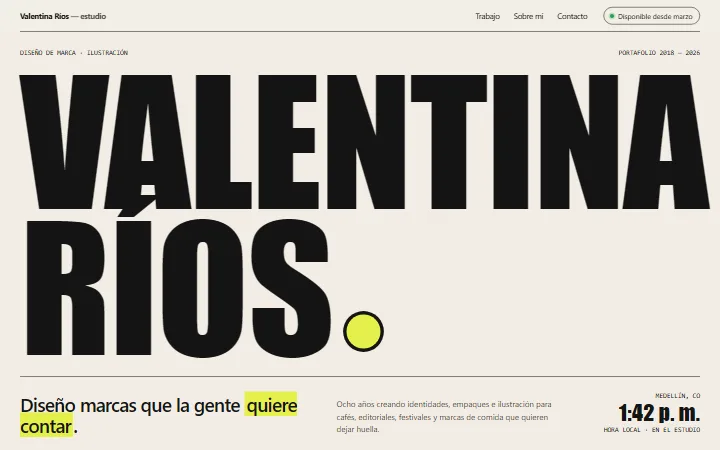
Your business, your event or your portfolio on a single page.
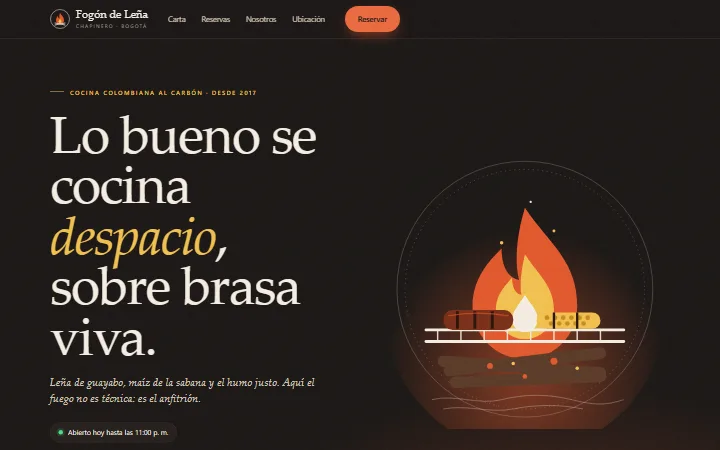
Restaurant website
Make people want to go today: menu, atmosphere and a booking in two clicks.
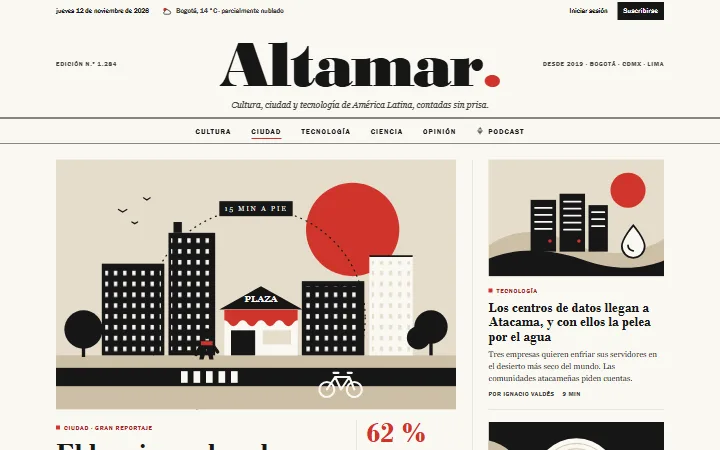
Magazine or editorial blog
A digital magazine front page with real hierarchy, not just another list of posts.
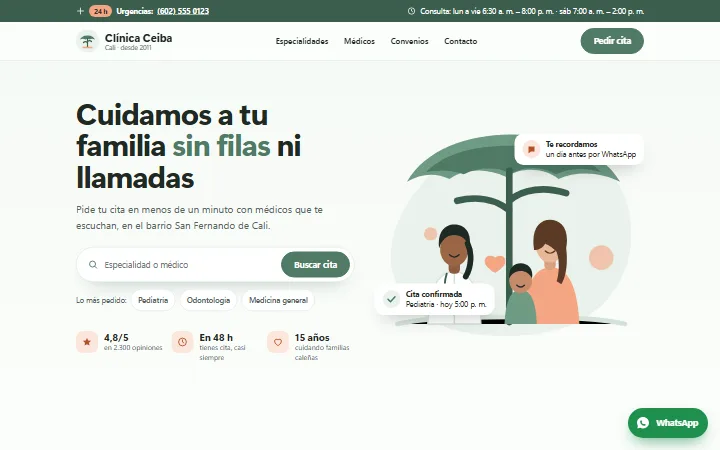
Clinic website with appointments
A clinic that feels calm and lets you book an appointment without calling.
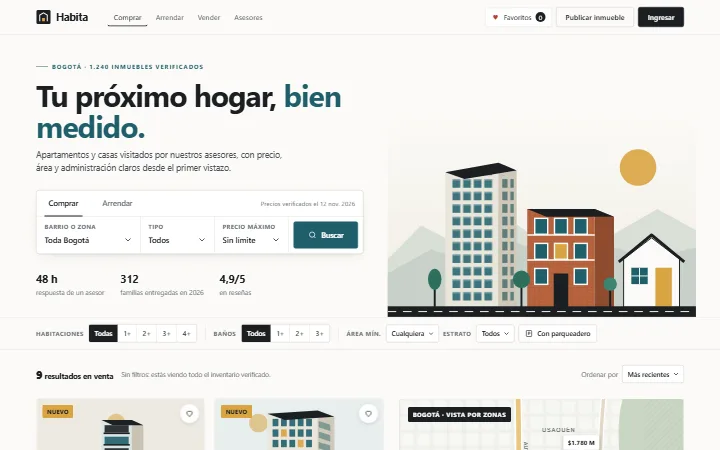
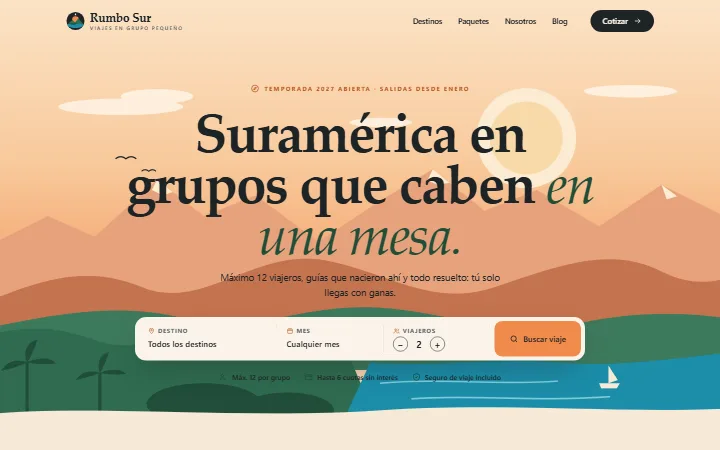
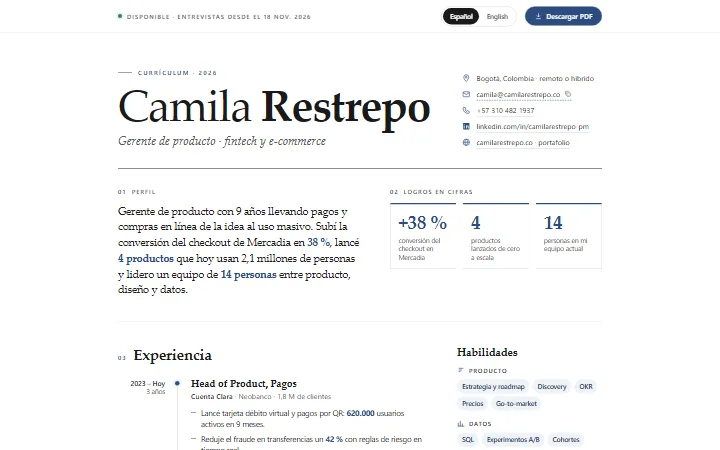
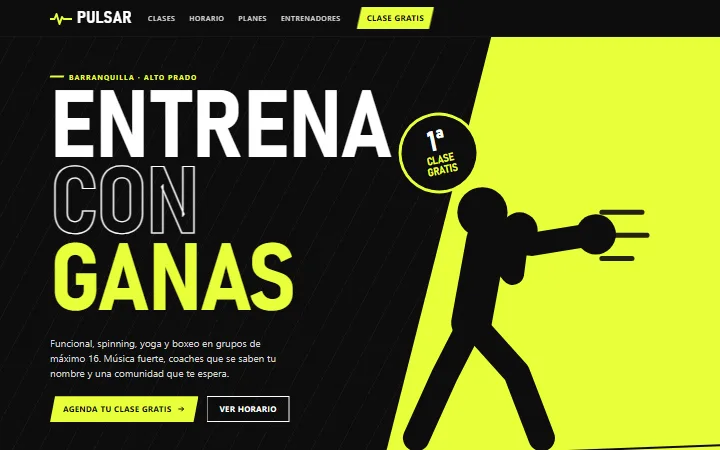
Gym website with schedules
A gym full of energy: classes, a filterable weekly schedule and plans.
2A page that sells
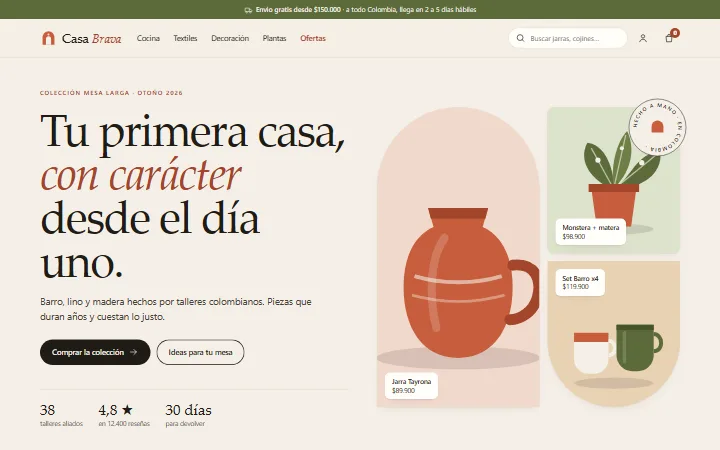
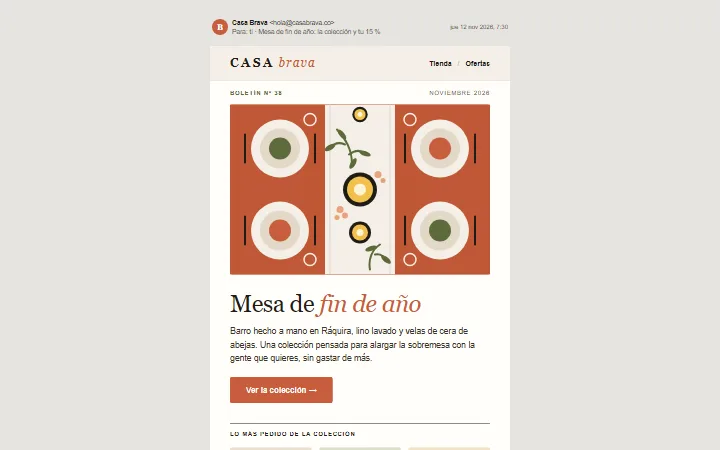
Landing pages and emails designed to get someone to buy or sign up.
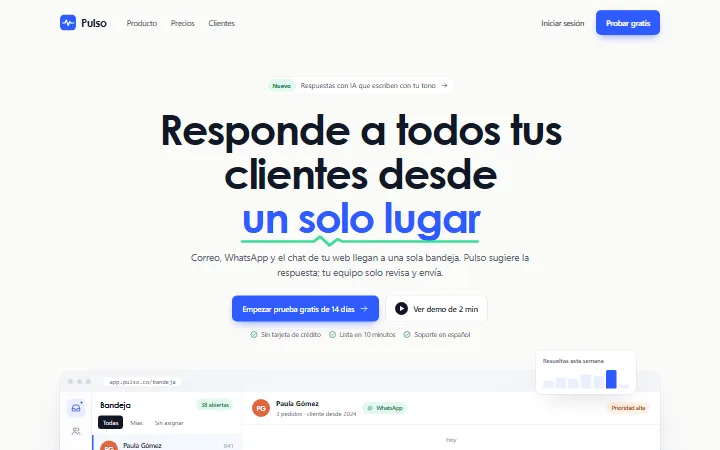
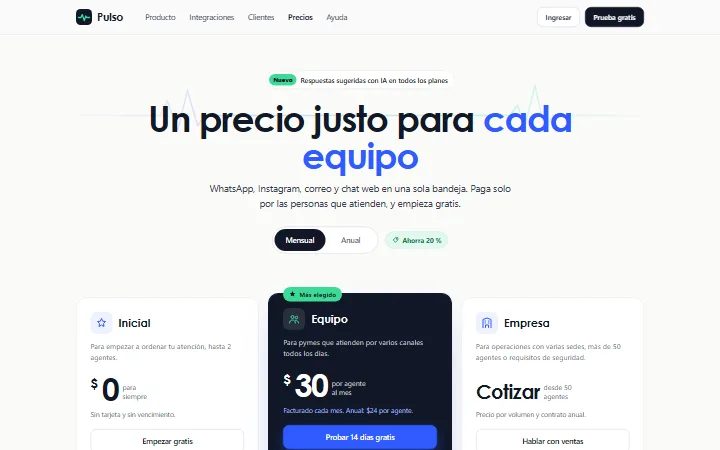
SaaS product landing page
A landing page that explains a piece of software in 5 seconds and pushes toward the free trial.
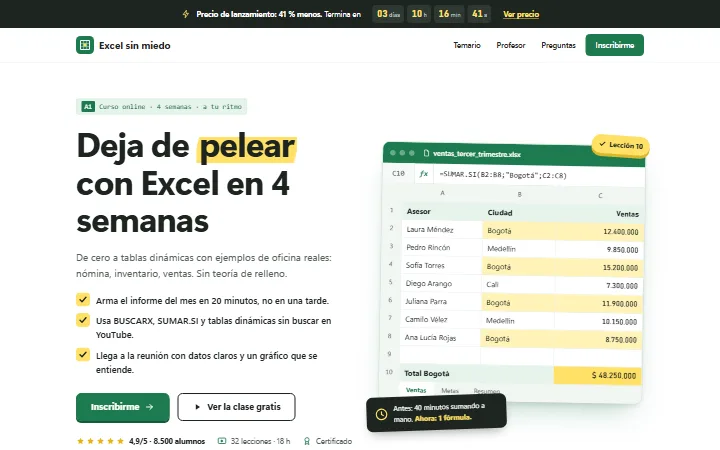
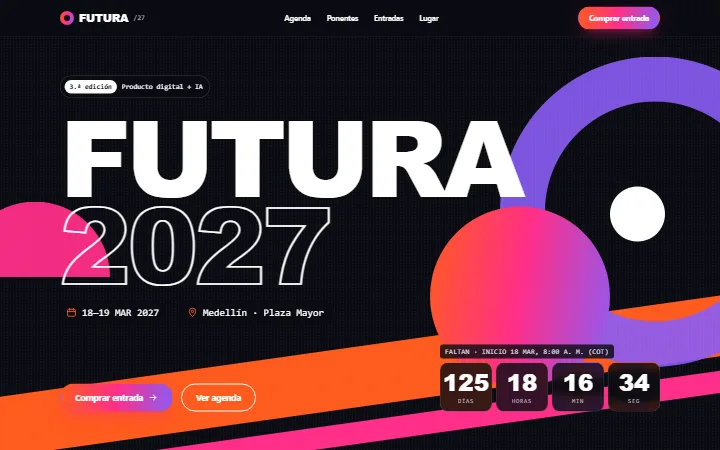
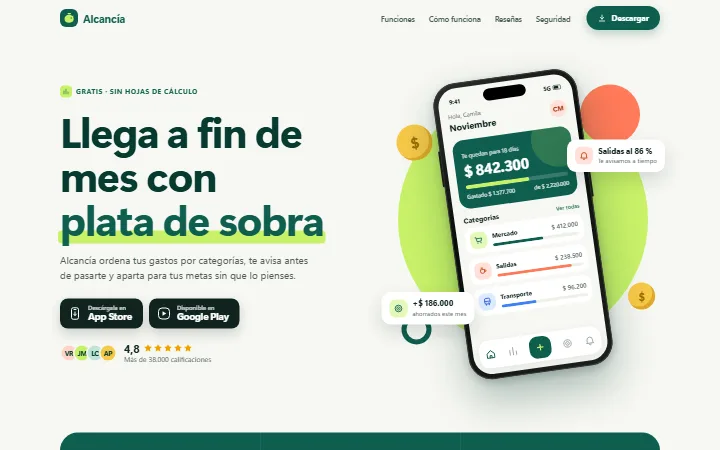
App download landing page
A page that shows the app in action and goes straight to the app store.
3A presentation
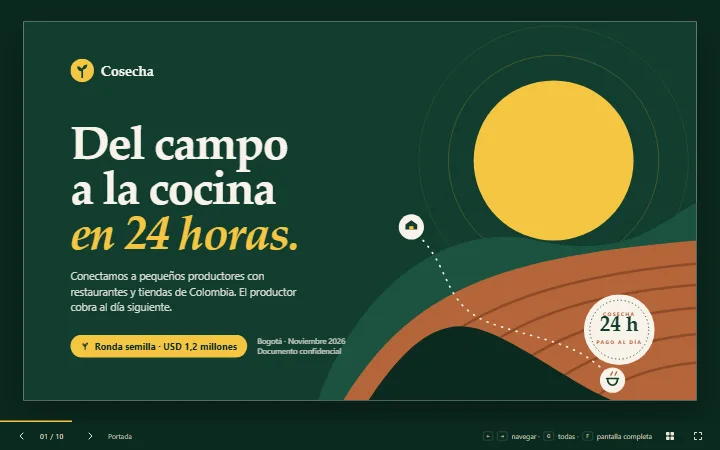
Slides you view in the browser.
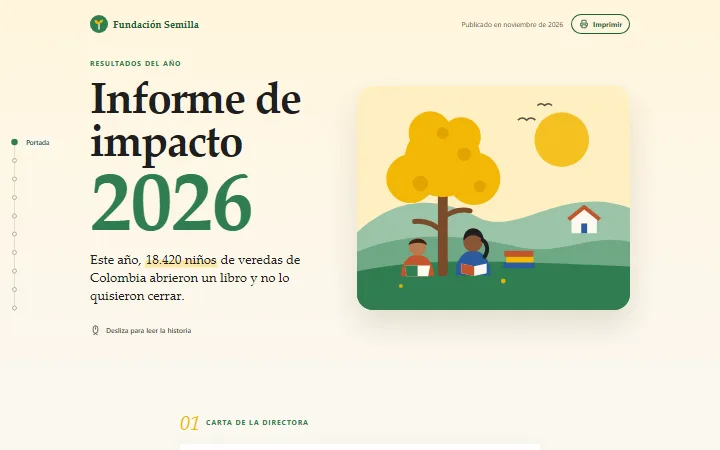
Interactive annual report
A results report that reads like a story, with animated data.
4A dashboard with your numbers
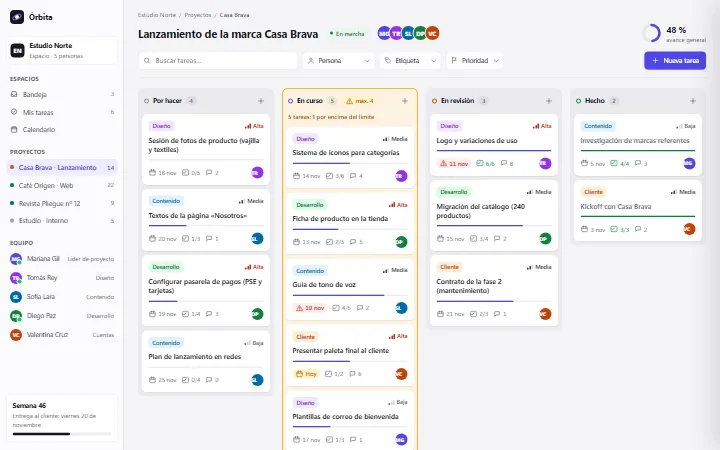
Charts and tables to see how something is going at a glance.
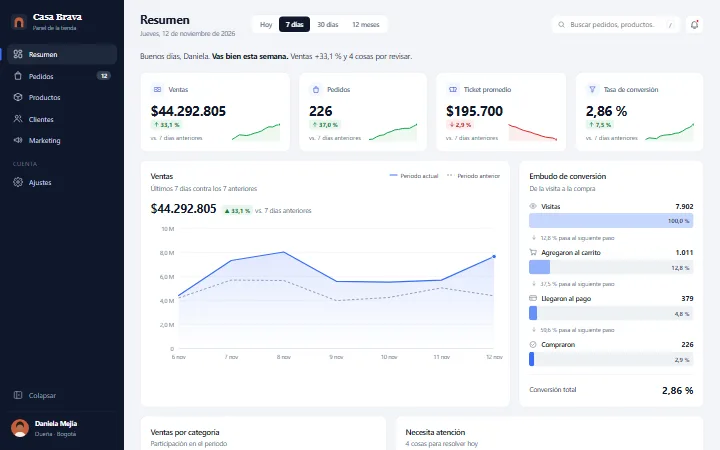
Analytics dashboard
A clear business dashboard: what matters up top and everything filterable.
5An app that saves data
It works in your browser. To use it with other people it still needs sign-in and a real database: the prompt tells you how to go on.
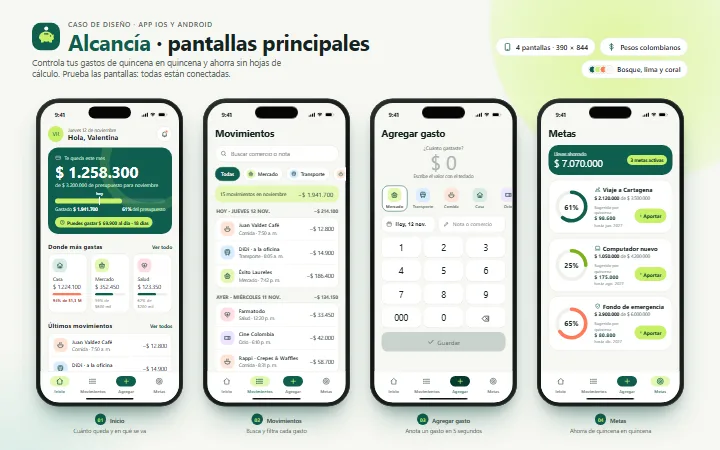
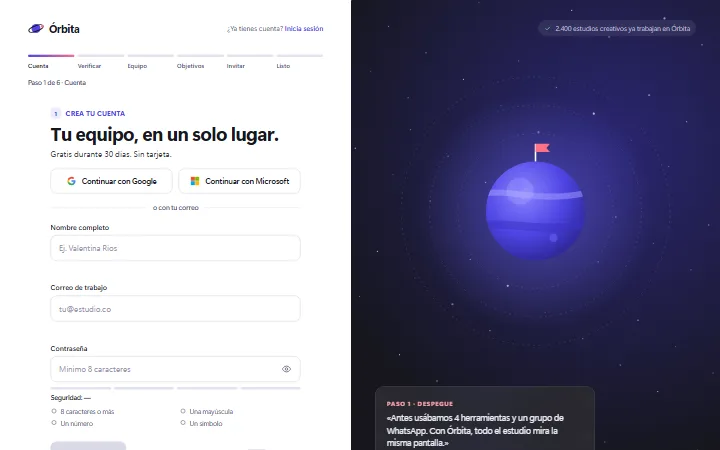
Step-by-step sign-up and onboarding
A step-by-step sign-up that doesn’t wear people out and leaves them ready to use the app.